LinkedIn profile photos
An AI LinkedIn headshot from your selfies
A professional profile photo without booking a shoot: upload a few selfies, pick a style, and download headshots with a square crop ready for LinkedIn. Still you, in better light and a jacket instead of a T-shirt.
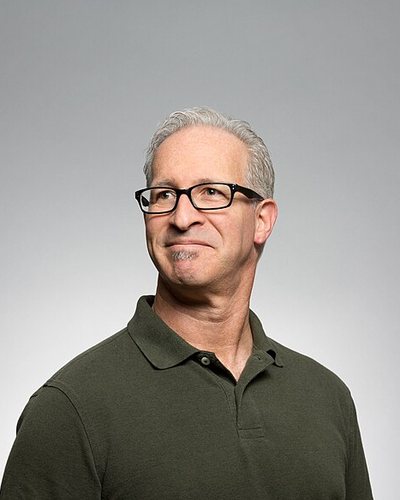
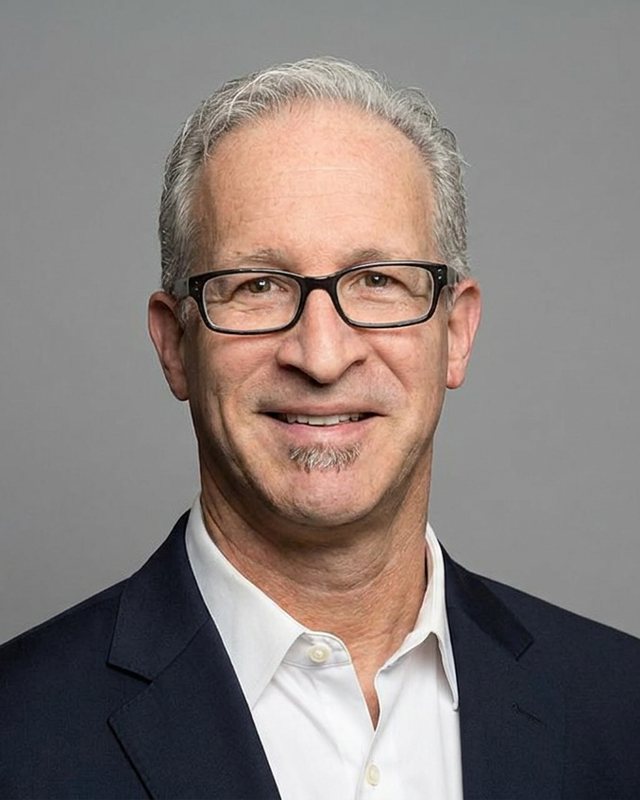
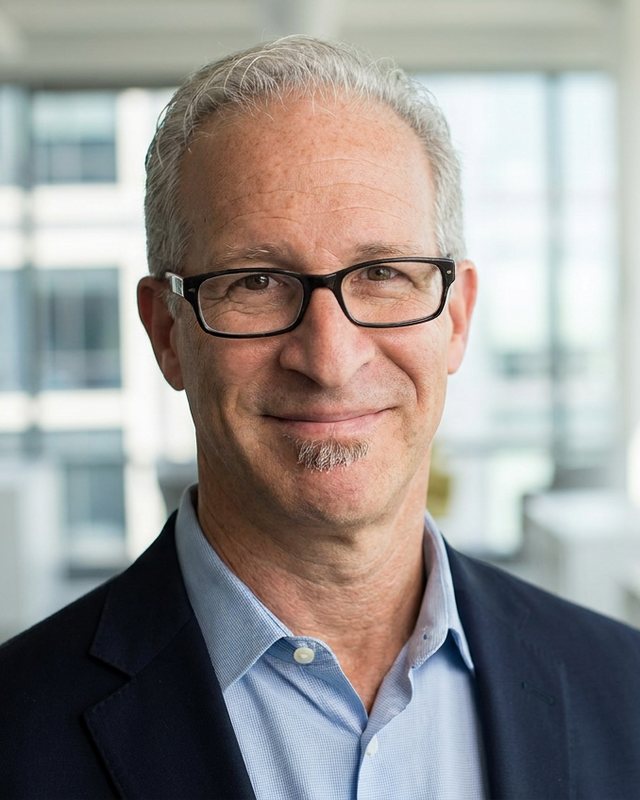
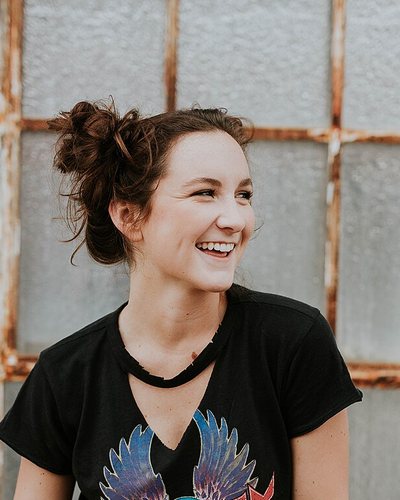
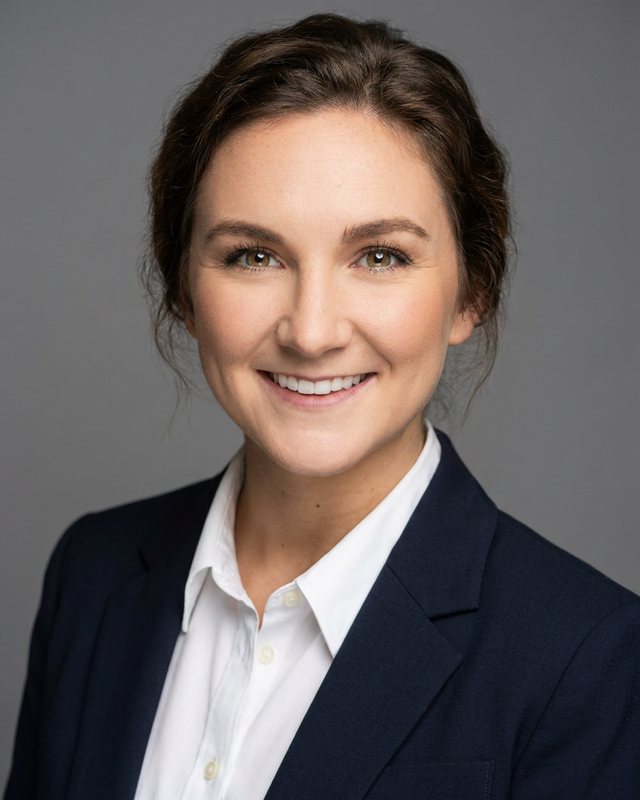
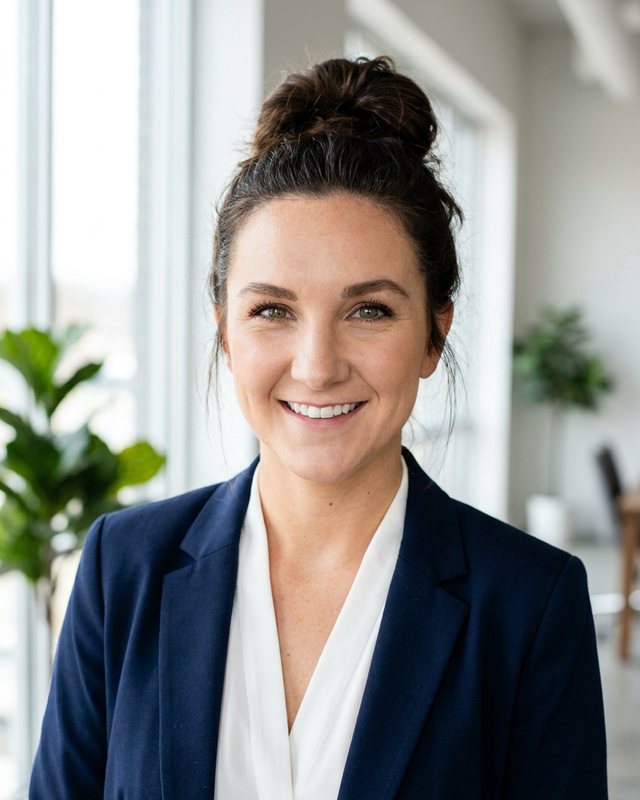
Made from free stock photos (CC0), not customers. Unretouched; some are cropped to portrait.
Why your profile photo matters
- LinkedIn says members with a profile photo get up to 2× more profile views and 3× more connection requests than members without one.
- People judge how trustworthy, competent and likeable a face looks within a tenth of a second, and those snap judgments closely match the ones they make with unlimited time (a 2006 Princeton study).
- So the small circle next to your name is doing work before anyone reads your headline. The goal is a photo that is clear, professional and recognisably you.
Sources: LinkedIn Help, Willis & Todorov, Psychological Science (2006)
What makes a good LinkedIn headshot
Your profile photo is the first thing a recruiter, client or new colleague sees, usually as a small circle next to your name. At that size only a few things register: your face, your expression, and whether the photo looks like it was taken on purpose.
- Your face fills most of the frame: head and shoulders, not a full-length shot.
- A plain or softly blurred background, so nothing competes with your face.
- Even, flattering light, with no harsh shadows across the eyes.
- Clothes you would wear to work in your field.
- Most of all, it looks like you today, so nobody is surprised when you join the video call.
Why "looks like you" matters more on LinkedIn
Many AI headshot tools smooth skin, slim faces and take years off. On a dating app that might be the point; on LinkedIn it backfires, because the people who look at your profile are about to meet you. A headshot that looks like a polished stranger costs more trust than it earns.
Your headshot is an AI-enhanced photo of you: new clothes, background, light and pose, with the model told to keep your skin texture, hairline, glasses, facial hair and age. The examples above are unretouched output.
Ready for the LinkedIn upload box
Every headshot comes as a full-resolution portrait and as a 400 × 400 pixel square crop centred on your face, the size LinkedIn recommends for profile photos. Upload the square one and there is nothing to reposition.
The Corporate studio and Modern office styles are the usual choices for LinkedIn. Bright studio and Editorial suit creative and consulting roles; Outdoor natural light works for coaches and personal brands.
FAQ
Questions
Does a profile photo really matter on LinkedIn?
Yes. LinkedIn says members with a profile photo get up to 2× more profile views and 3× more connection requests. The photo is also the first thing people judge you by, and research shows those judgments form in about a tenth of a second.
Is it okay to use an AI headshot on LinkedIn?
LinkedIn asks for a photo that is a likeness of you, and an AI headshot that actually looks like you meets that. What to avoid is a portrait that does not resemble you, because people notice when they meet you.
What size should a LinkedIn profile photo be?
LinkedIn recommends 400 × 400 pixels. Each headshot you get includes a square crop at exactly that size, centred on your face, alongside the full-resolution portrait.
Which style should I pick for LinkedIn?
Corporate studio (suit jacket, grey backdrop) for finance, law and corporate roles; Modern office (business casual, bright office) for tech, startups and most other jobs. If you are unsure, try one headshot for $5.99 first.
How much does it cost?
$5.99 for one headshot in the style you pick, $19 for 20 headshots in 4 styles, or $29 for 40 in all 6. One-time payment, no subscription.